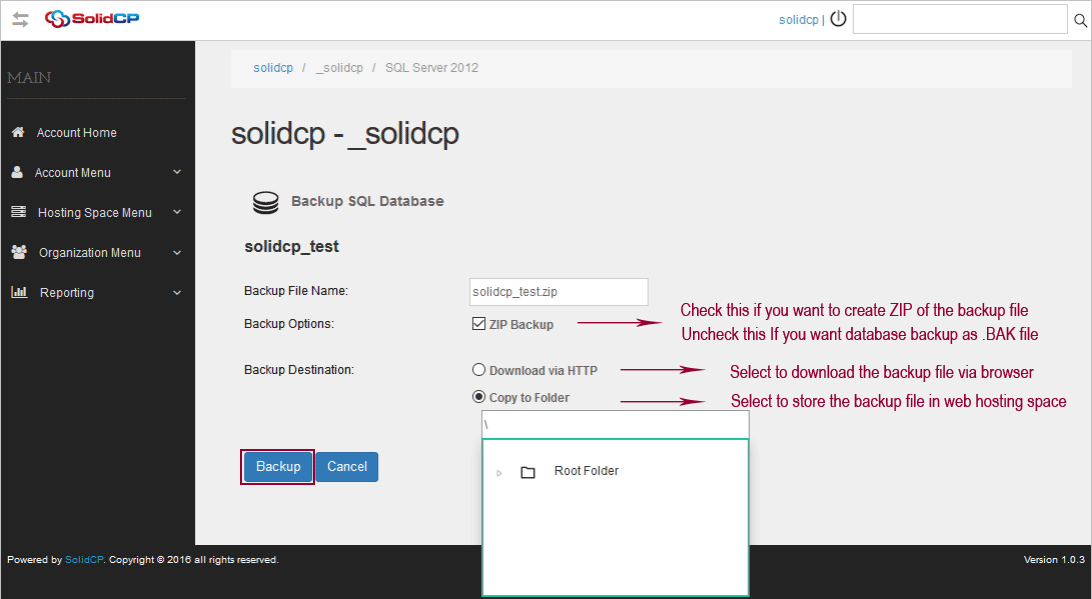
SolidCP allows you to Backup MS SQL databases within few clicks. This tutorial will assist you to backup the MS SQL database from SolidCP.
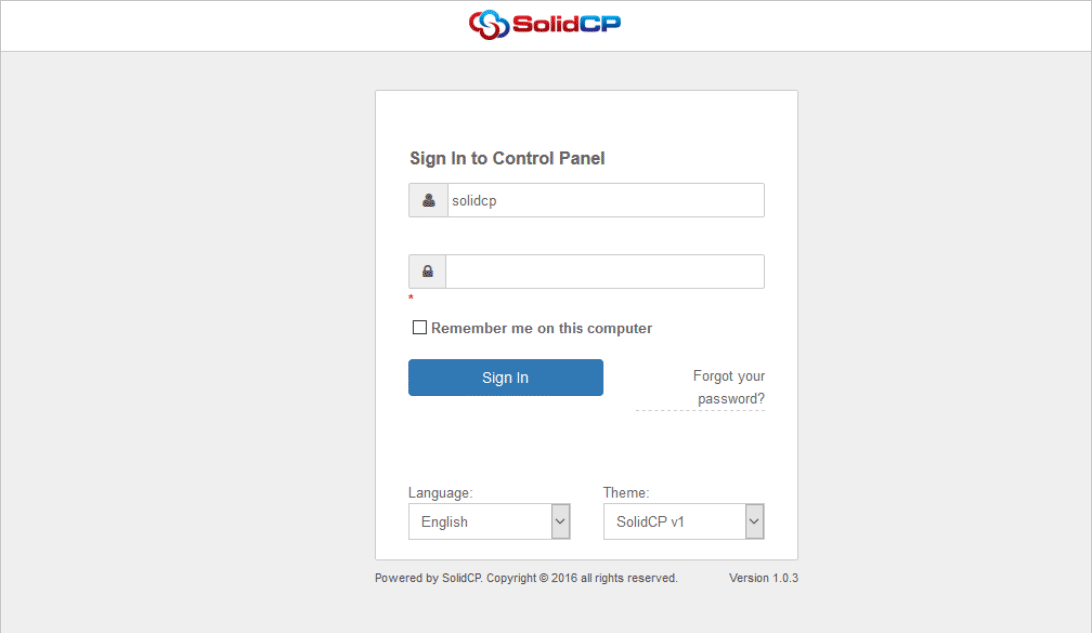
1. Login to SolidCP. SolidCP is located at URL http://ccp.my-hosting-panel.com
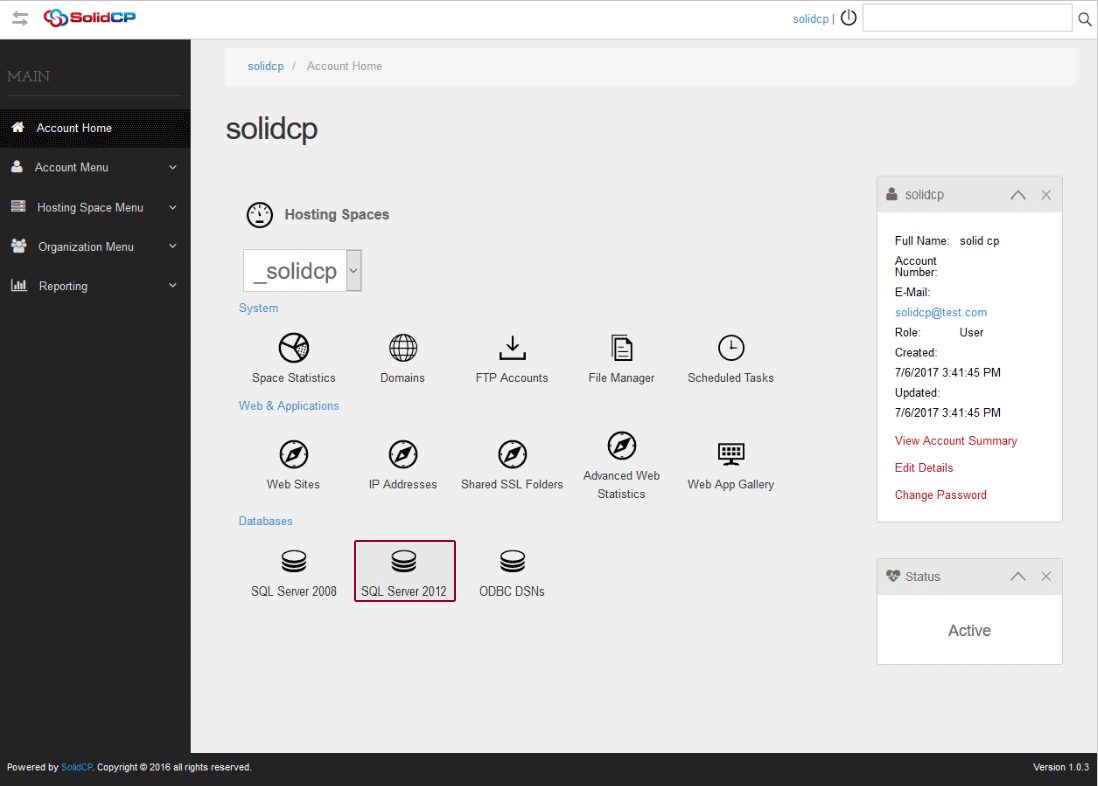
2. In the next screen, you will see icons for all the services you can manage from the SolidCP. Under Databases section click on SQL Server icon.
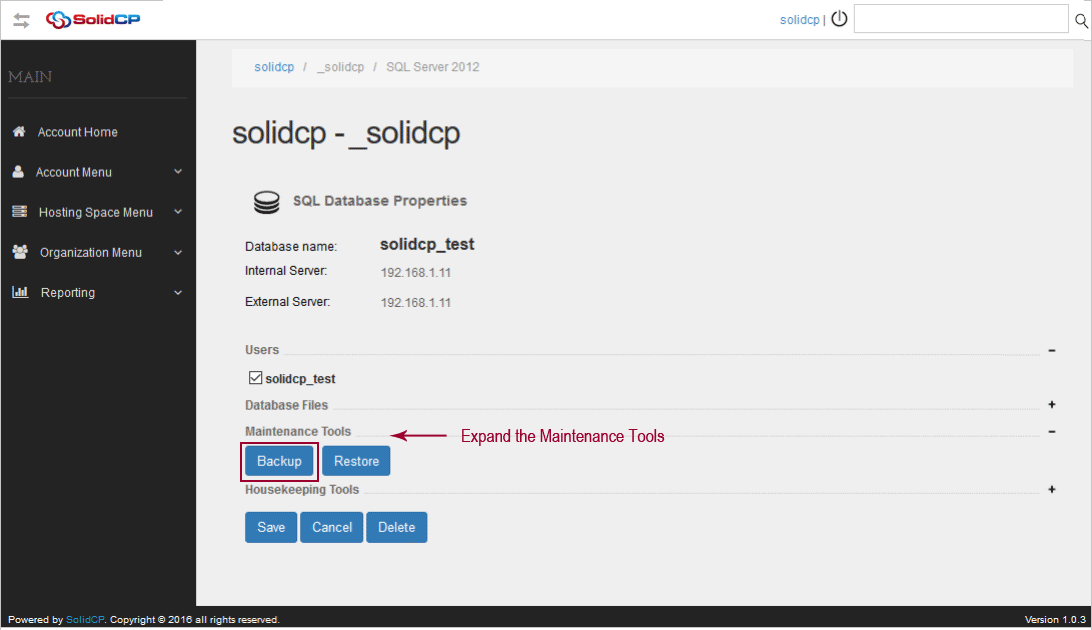
3. In the next screen, you will see the list of MS SQL databases. Select the MS SQL database you want to backup.

4. In the next screen, expand the Maintenance Tools and click on Backup button.
5. In the next screen, specify the database backup file name and choose one of the following methods according to your convenience.